Introduction
After the teapot wireframe, the next steps were focused on improving surface handling and lighting. See the teapot source for the progress stages.
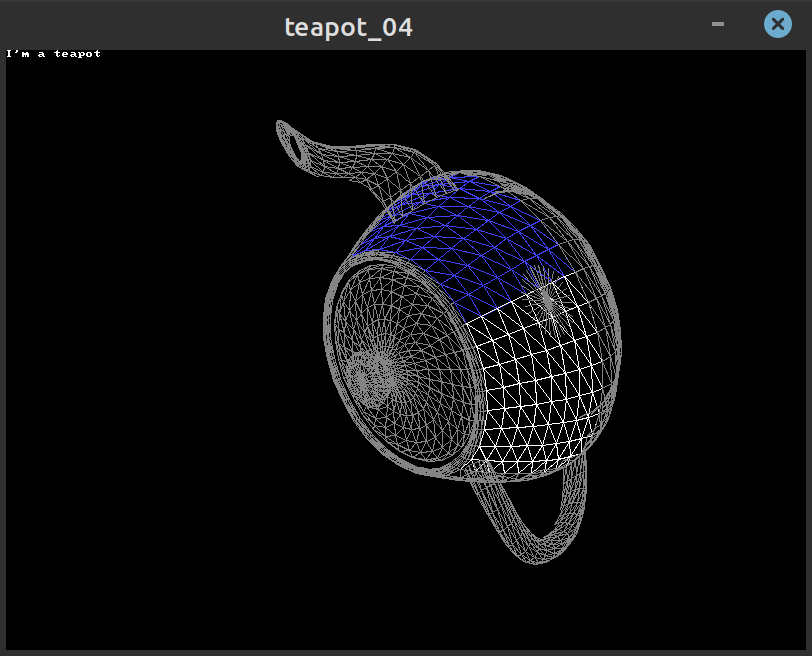
Progress notes on advancing the teapot rendering pipeline: normals, culling, lighting and shading techniques.
After the teapot wireframe, the next steps were focused on improving surface handling and lighting. See the teapot source for the progress stages.
With Bezier patches we calculate per-vertex normals using:
n = normalize(cross(v0, v1)); where v0 and v1 are the triangle sides.
This removes many back faces, although additional logic is needed to handle complex patches.
Applying a light model per-face yields flat shading. The next steps interpolate normals for smoother shading models.
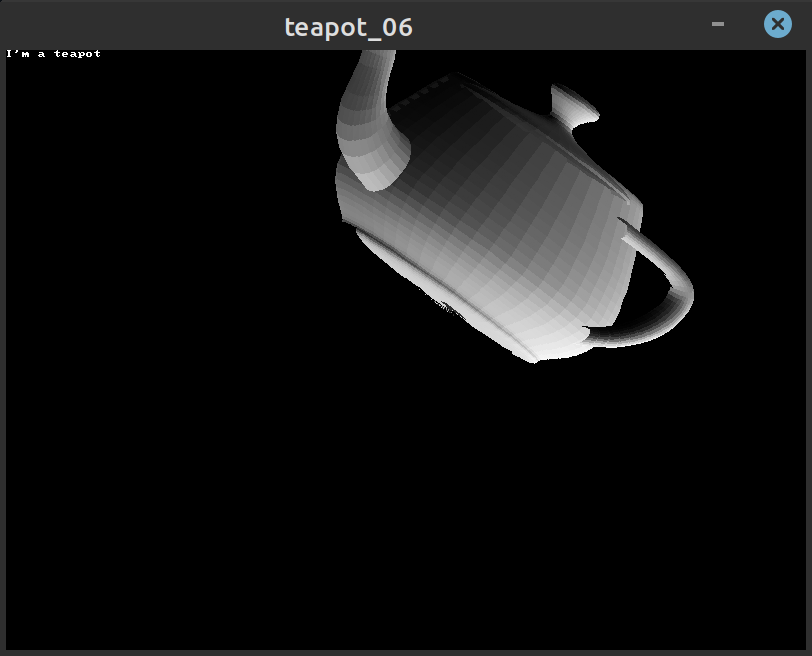
Interpolating vertex values produces Gouraud shading; interpolating normals enables Phong shading for more realistic highlights.
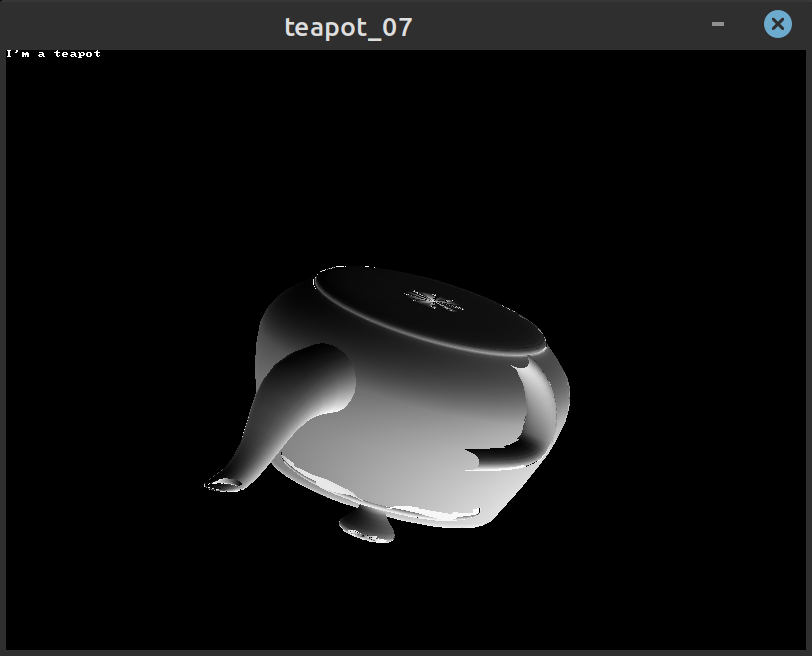
After implementing a Z-buffer the model correctly displays occlusion: the teapot lid and handle render as expected.
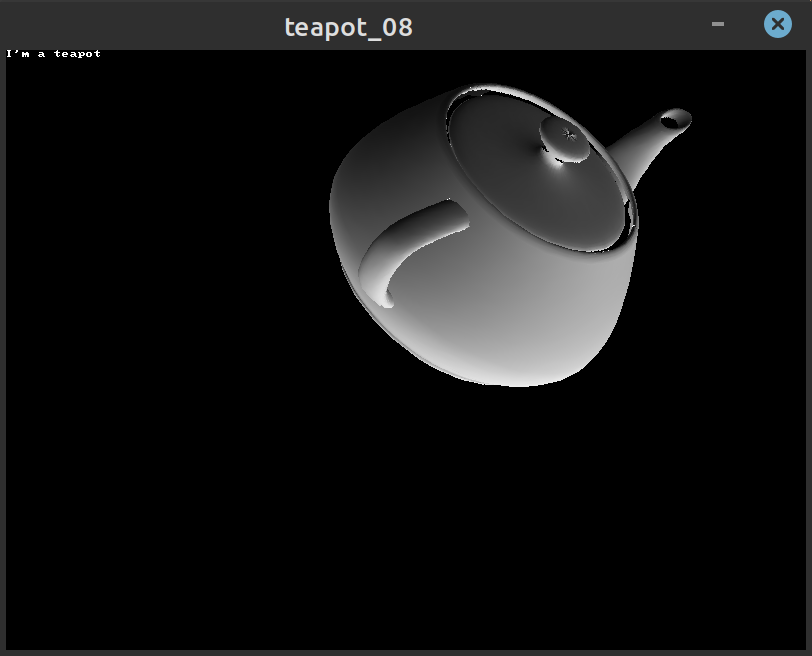
Final rendering includes textures and more complex lighting; the video below shows the textured teapot with updated lighting.